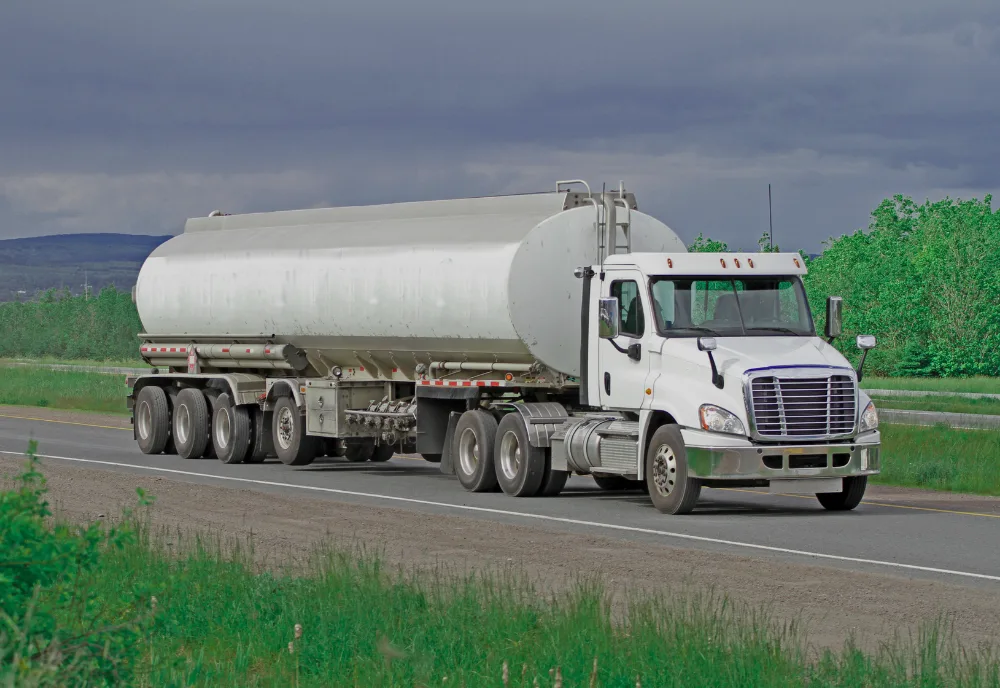
Oil and bulk liquid hauling
Oil and Bulk Liquid Hauling Software for Tanker Fleets
Schedule tankers for oil hauling and water hauling on one color-coded board, send dispatches to drivers' phones in one click, and check driver and truck DOT compliance before every load goes out. Bulk Haul Software keeps tanker dispatch, tickets and invoicing in one system.
Scheduling and dispatch
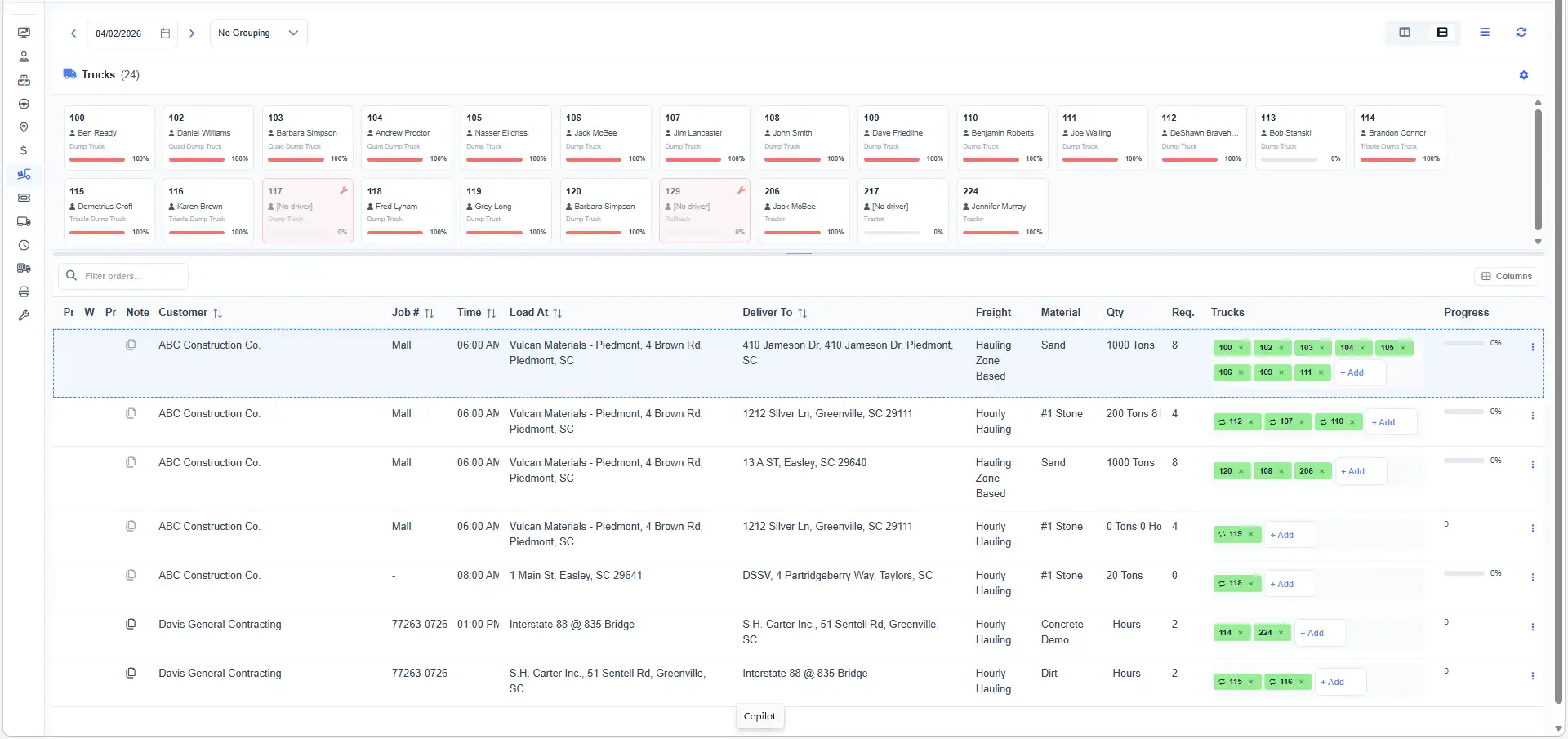
Tanker Scheduling for Oil and Water Hauling
Liquid loads run on tight windows, and a tanker booked to two jobs means a customer left waiting. The color-coded schedule shows which trucks and drivers are assigned and which are open, with the day's orders below.
- Orders carry line items, the pickup and drop sites, and the tankers needed
- Copy recurring tanker runs out to new dates
- Reassign several tankers at once when a delivery window moves
- Dispatch all assigned tankers with one click
Driver app
Know Each Driver Got the Dispatch
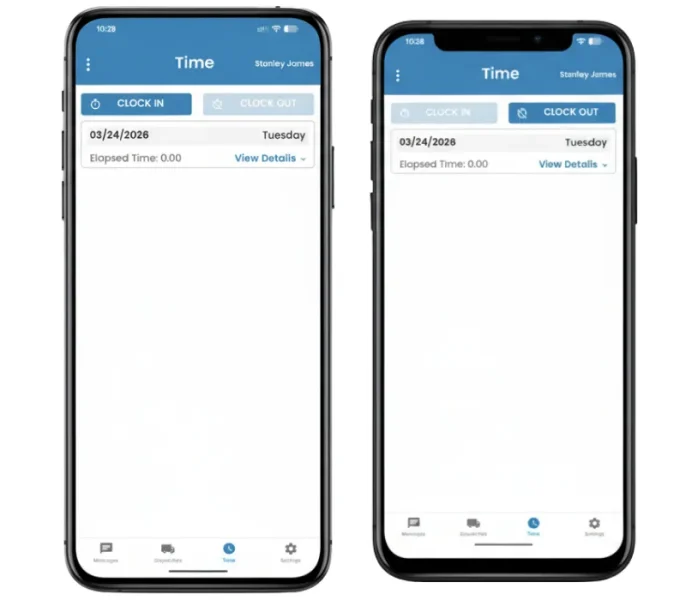
Drivers get each assignment on their phone with the delivery location and instructions, and the office sees when they've acknowledged it. Problems surface before a customer calls.
- Drivers acknowledge dispatches and clock in and out from the app
- Late clock-ins and unacknowledged dispatches raise alerts
- Scheduling conflicts flagged before trucks roll
- Drivers without the app can get dispatches by text (add-on for Basic and Standard, included on Pro)
Tickets and invoicing
Delivery Tickets That Turn Into Invoices
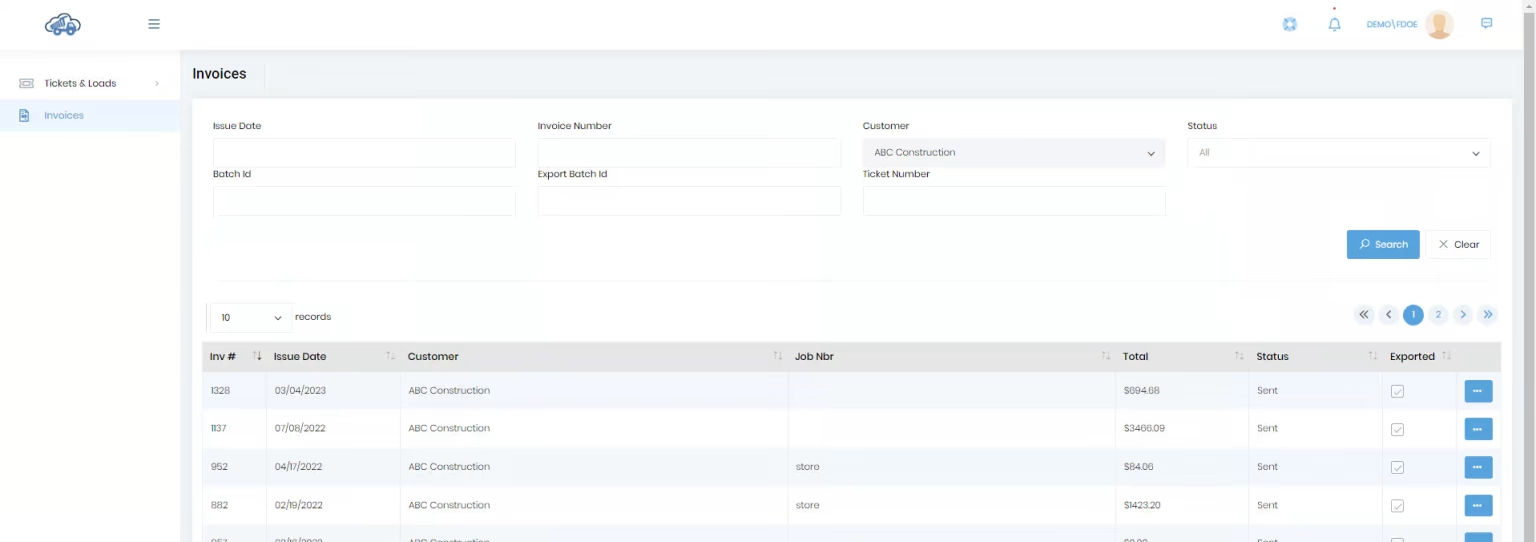
Paper delivery tickets get wet, smudged or lost, and every one that goes missing slows down billing. Drivers capture tickets at the drop, and each verified ticket goes onto a customer invoice in a single batch.
- Photographed tickets, with number and quantity read by AI
- Gaps and duplicates in the tickets caught before billing
- Fuel surcharge as its own line items or one lump total
- Proof of delivery and invoices waiting in the customer portal
Compliance and maintenance
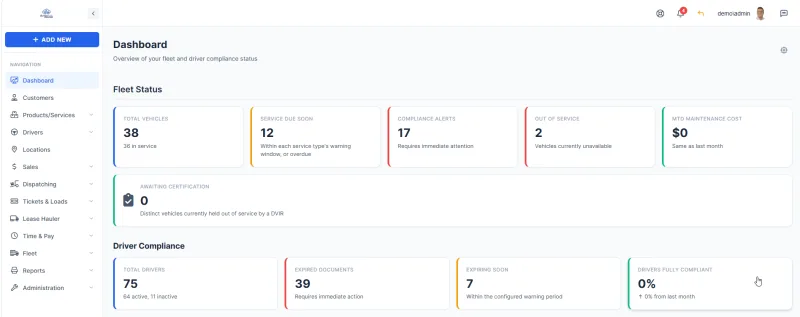
Keep Tankers and Drivers DOT Compliant
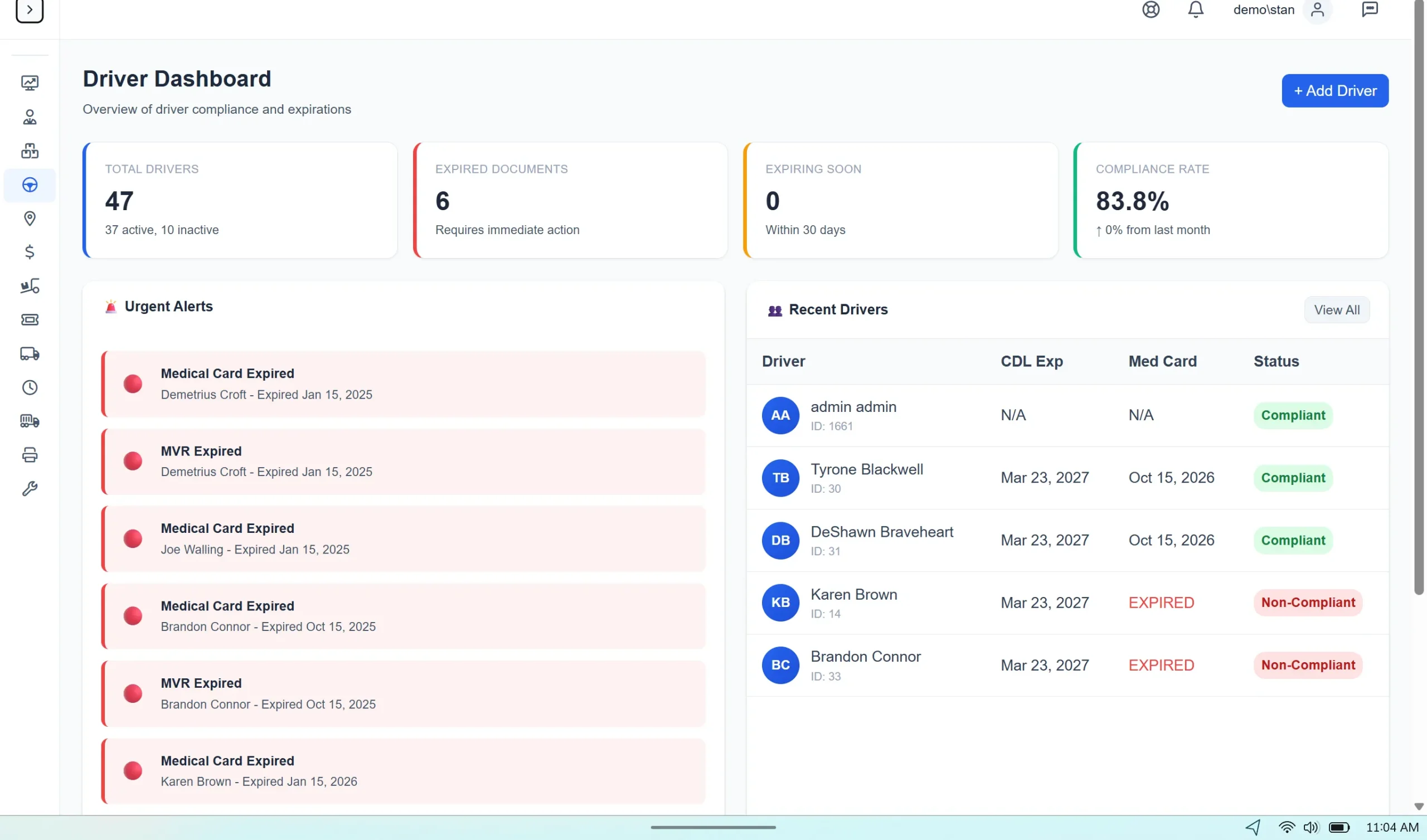
Before a tanker goes out, the driver and the truck both need to be legal to run. Compliance records and maintenance live together, and both are checked when you dispatch a tanker.
- Each driver's CDL, medical card, MVR and DQ file on record
- Each tanker's registration and annual DOT inspection on record
- Dispatch warns or is blocked when something has expired
- A severe DVIR defect takes the tanker out of service
Software for Every Kind of Bulk Hauling
Tanker work runs on the same scheduling and billing tools as dry bulk hauling.
Frequently Asked Questions
Yes. Tanker fleets hauling oil, water and other bulk liquids plan tanker runs on a color-coded board, dispatch with one click, take delivery tickets on drivers' phones, invoice in batches, and check driver and truck DOT compliance before loads go out.
Yes. Copy an order and extend it to new dates instead of keying it in again. For a tanker that runs loads all day, turn on "Run until stopped" and the next dispatch appears as each one is completed, until the dispatcher or driver ends it.
Driver licenses, medical cards, MVRs and DQ files sit next to tanker registrations and annual DOT inspections. At dispatch, Bulk Haul Software checks them and either warns you or blocks the dispatch if something has expired.
A driver snaps each delivery ticket on the phone and AI fills in the number and quantity. Matching tickets come back Verified, the rest Unverified for a second look, and you're shown any missing or duplicate tickets before invoicing.
Yes. Customers log in to the customer portal to see and download their invoices and tickets, so the office answers fewer calls asking for proof of delivery.
Yes. Subcontracted tankers go on your schedule next to company trucks, and each subcontractor keeps its own trucks and drivers current in the portal.