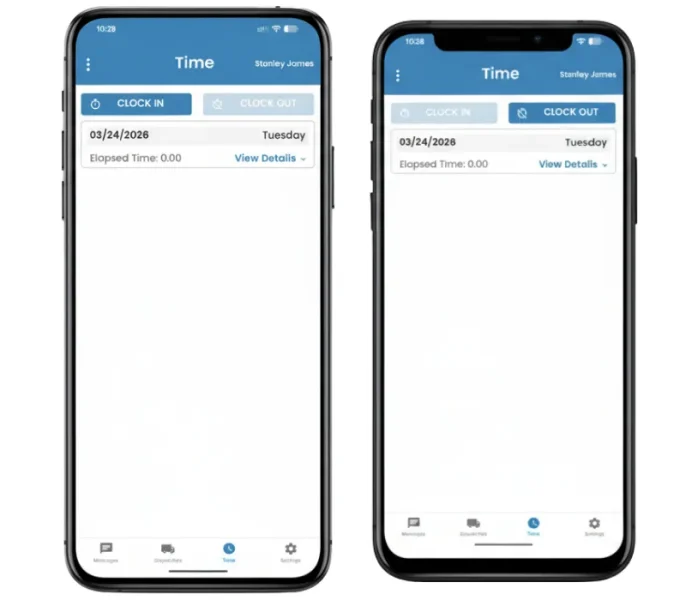
Stay on Top of Driver Availability
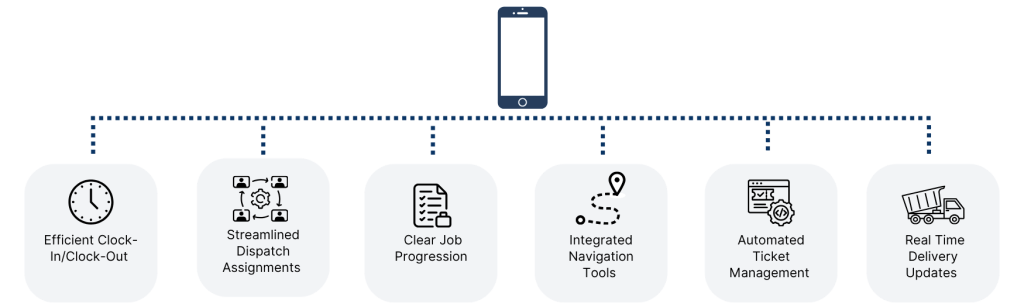
Drivers clock in at the start of the day and clock out when finished, giving dispatch a clear view of who’s working without extra calls.
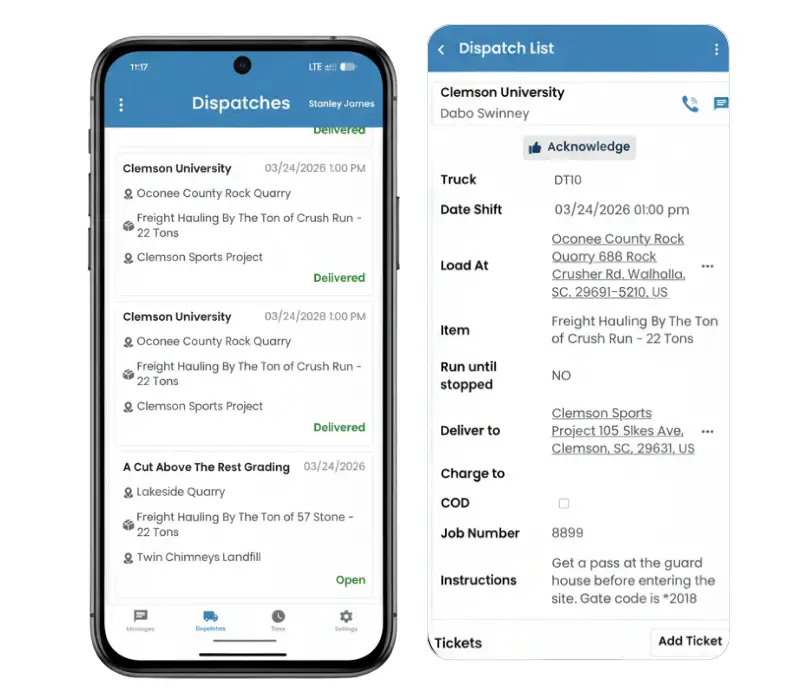
Send Jobs and Get Instant Confirmation
Drivers receive dispatches with full job details and can acknowledge them right away, so there’s no guessing or follow-up needed.
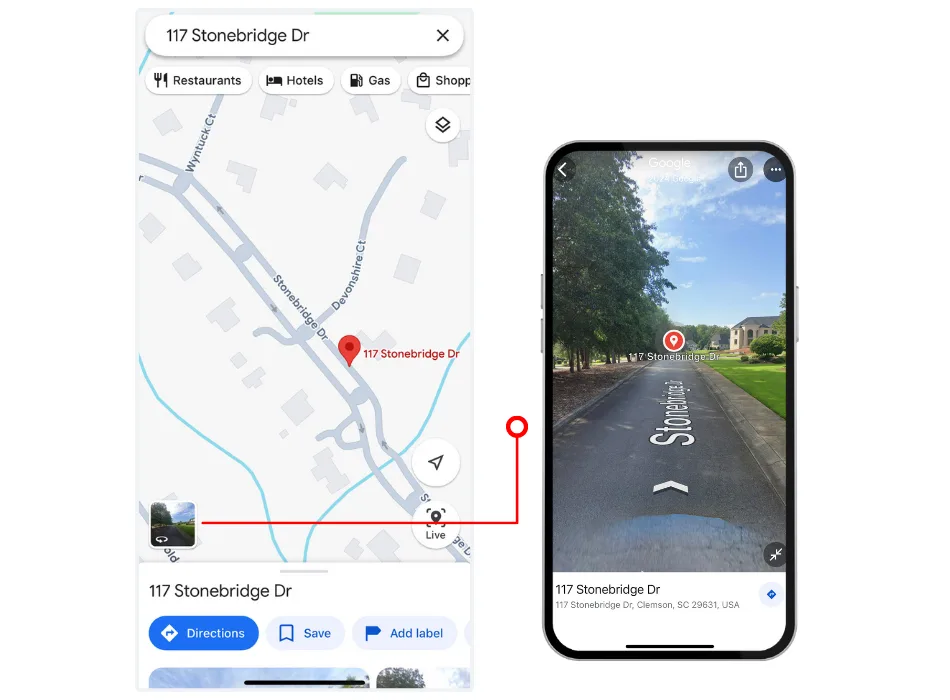
Never Miss a Destination
The app’s built-in navigation tools, integrated with Google and Apple Maps, provide turn-by-turn directions and street-level views, ensuring drivers reach their destinations efficiently.
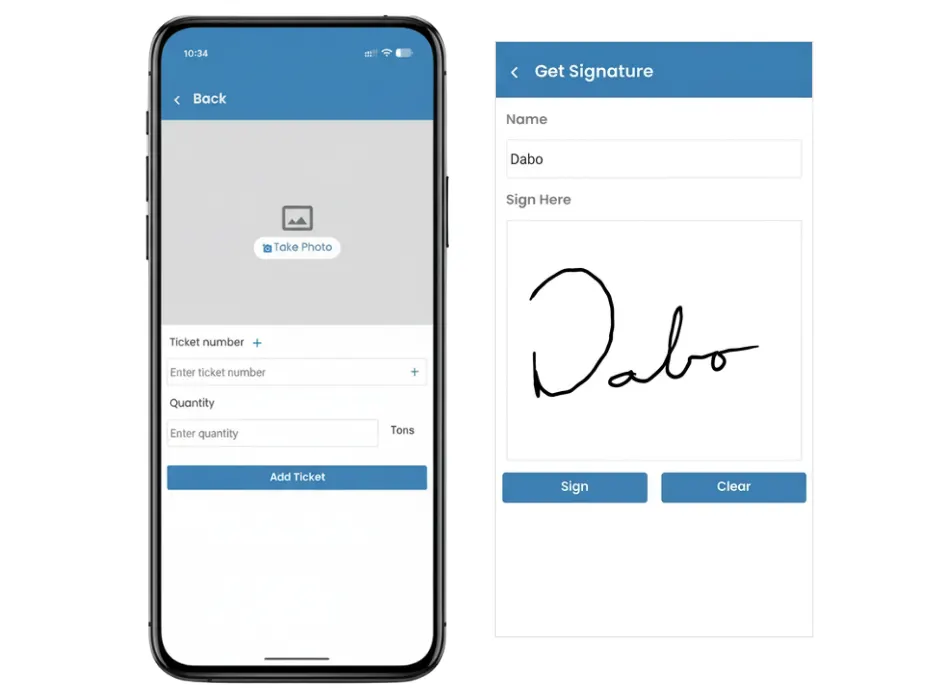
No More Lost Paperwork
Drivers can upload tickets and capture signatures directly in the app, keeping records accurate and easy to track.
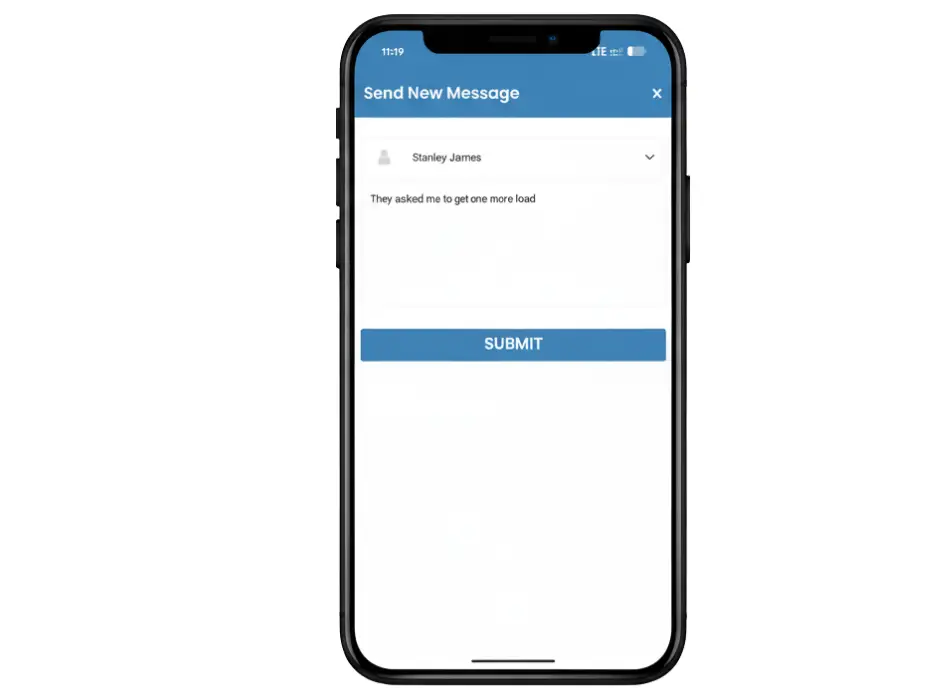
Keep Communication Simple
Drivers and dispatch can send quick updates through the app without interrupting the workflow.
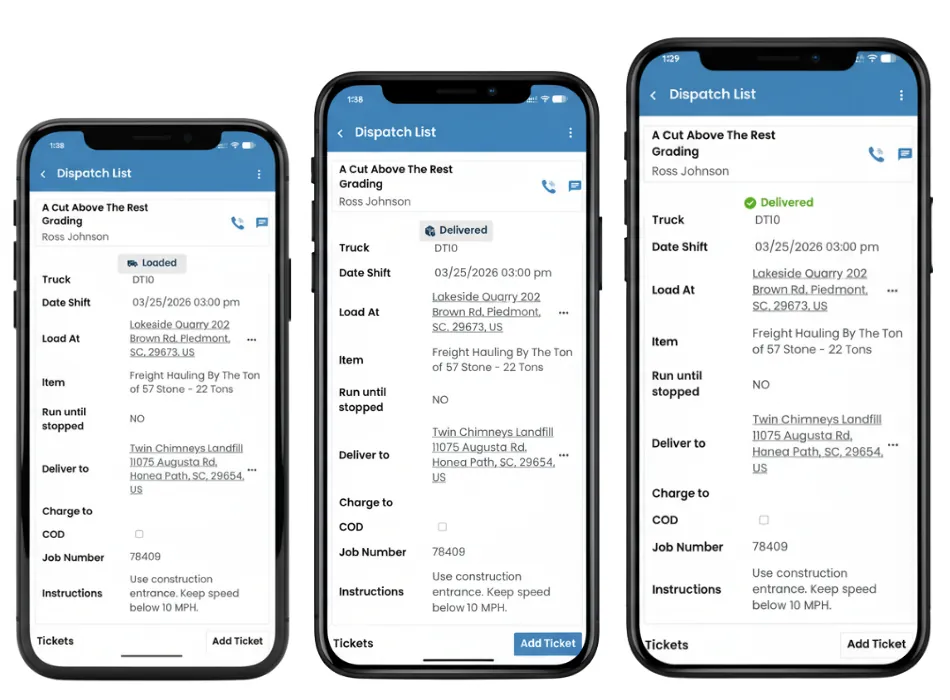
Track Every Step in Real Time
Drivers move through each stage of the job inside the app, keeping dispatch updated without constant check-ins.
The Driver App is designed to help drivers manage their tasks efficiently by providing job details, navigation tools, and real-time updates. It simplifies communication between drivers and dispatchers, reducing miscommunication and delays.
Yes, the app allows drivers to clock in and out seamlessly, automatically tracking their work hours and availability for jobs. This ensures accurate records for payroll and reporting purposes.
The app integrates with Google Maps and Apple Maps to provide turn-by-turn directions to pickup and delivery locations. Drivers can also use street-view images for better clarity and preparation before reaching a location.
Dispatch assignments include essential details like job location, material type, quantity, and any specific instructions. Drivers can access all this information directly in the app, ensuring clarity and accuracy.
Yes, drivers can create and update tickets by adding photos, materials, and quantities. This feature eliminates the need for manual paperwork and ensures accurate reporting.
Drivers can log their progress and mark jobs as complete in real time. This instantly notifies dispatchers, allowing them to track job status and plan the next steps efficiently.
Yes, the app is highly customizable to align with specific workflows. Dispatchers can configure settings such as time classifications, notification preferences, and more to suit their operations.
Absolutely! The app has built-in messaging tools that allow dispatchers to send updates or instructions directly to drivers. Drivers can also contact site personnel or customers as needed.
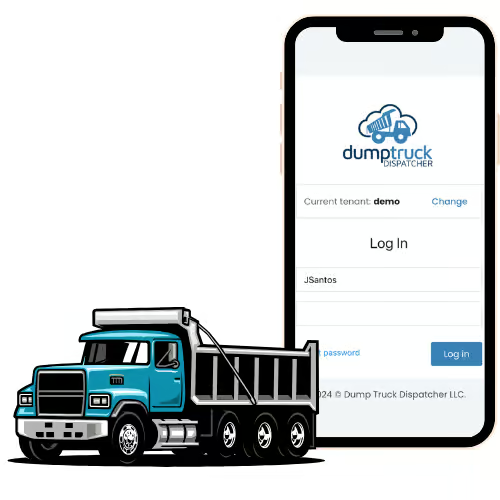
The app is secure and requires login credentials to access. It ensures that only authorized users can view or update information, keeping your operations and data protected.
Yes, the app allows dispatchers to monitor driver activities such as clock-ins, job acknowledgments, and delivery updates in real time, all from a centralized platform.