Customer portal
Electronic Proof of Delivery Software for Bulk Hauling Companies
Your drivers capture each ticket on their phone, AI checks it, and your customers see it in their own portal along with their invoices and job status. No paper copies to scan, mail or send again.
The Proof of Delivery Process in Bulk Haul Software
From the ticket in the driver's hand to the customer's records, the same ticket moves through without being retyped.
The driver captures the ticket
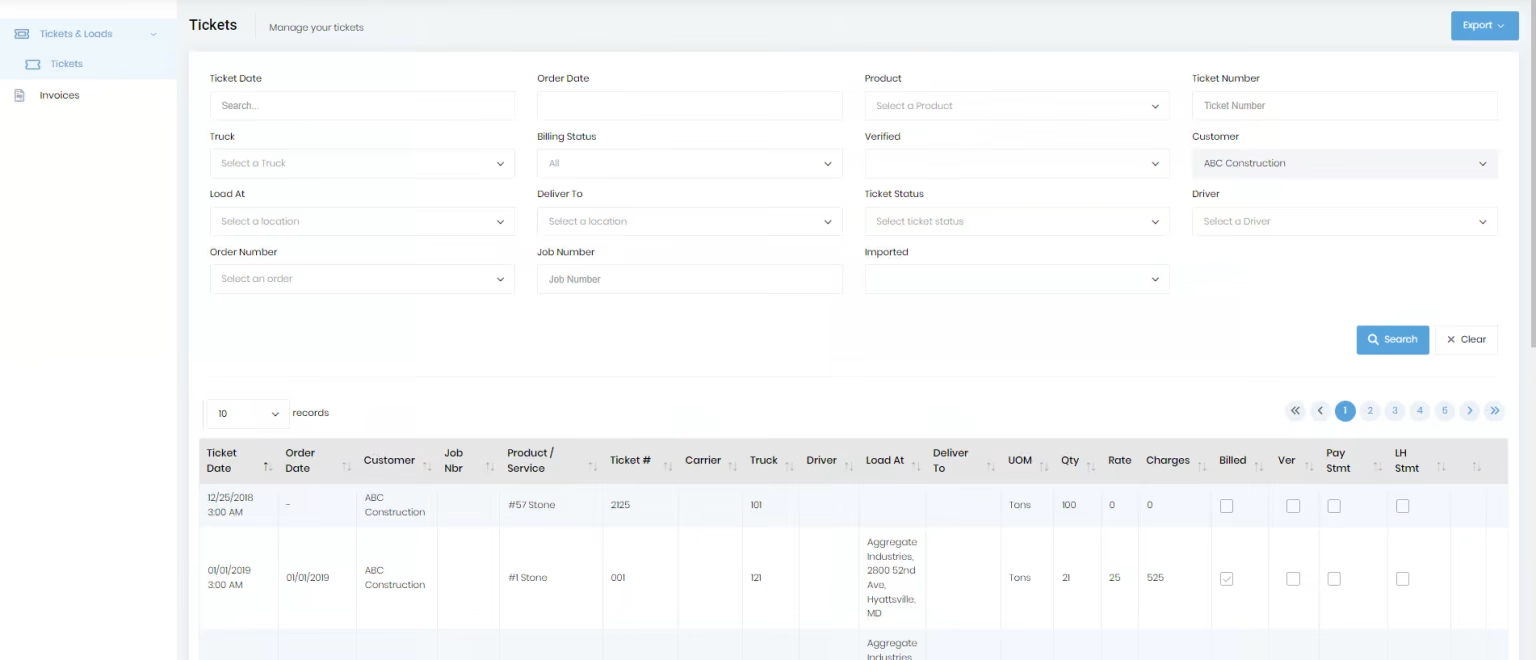
At the scale or the drop, the driver photographs the ticket in the app and AI reads the ticket number and quantity. The receiver can sign on the driver's phone.
Driver appThe ticket is checked
Tickets whose photo matches what the driver entered are marked Verified. The rest stay Unverified until your office reviews them.
Turn on the customer's access
Enable portal access for the customer and add their contact's email. Login instructions go out to them automatically.
The customer finds their loads
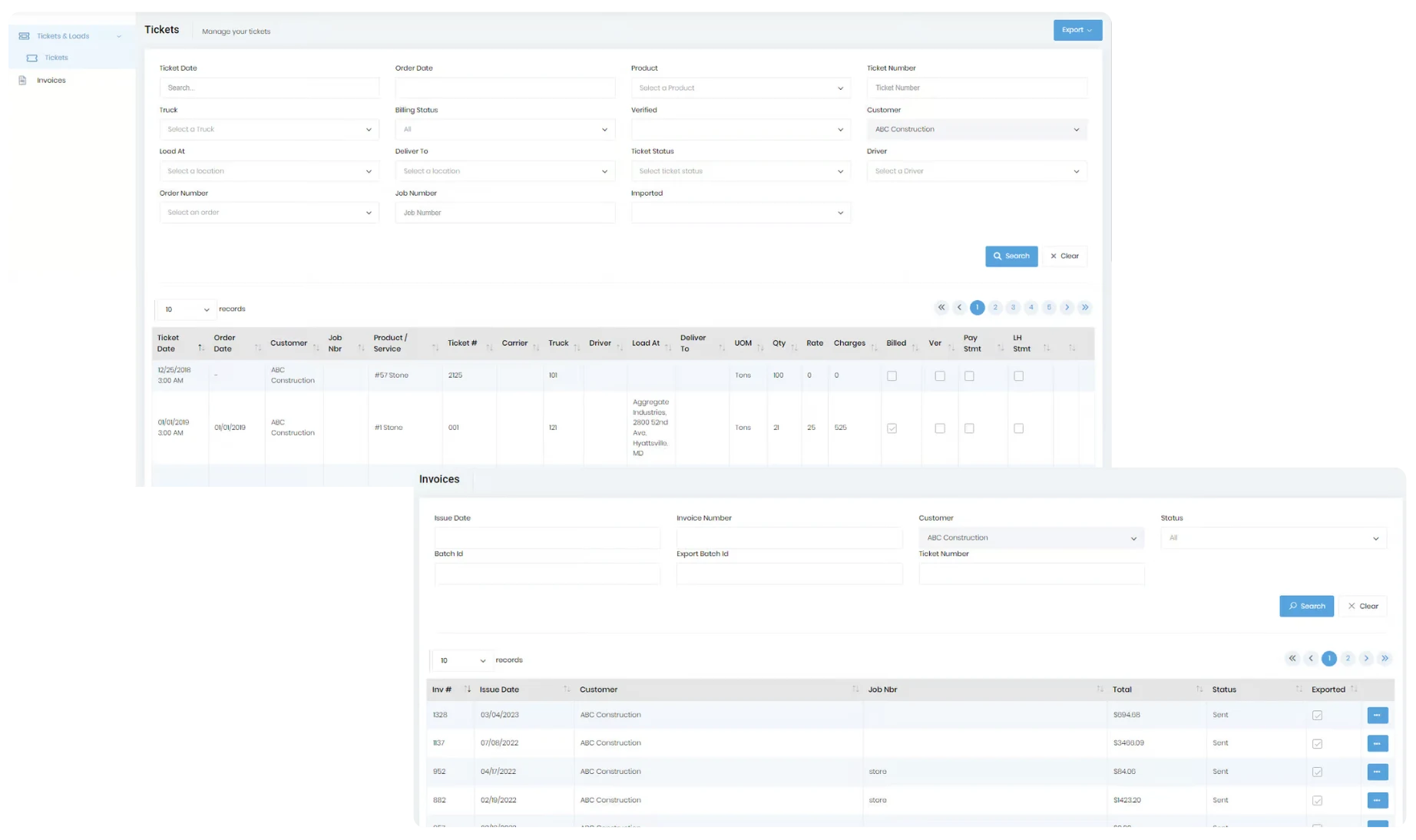
Customers search their own tickets by date, job, order, product, truck or location, and check the status of their jobs.
Invoices sit beside the tickets
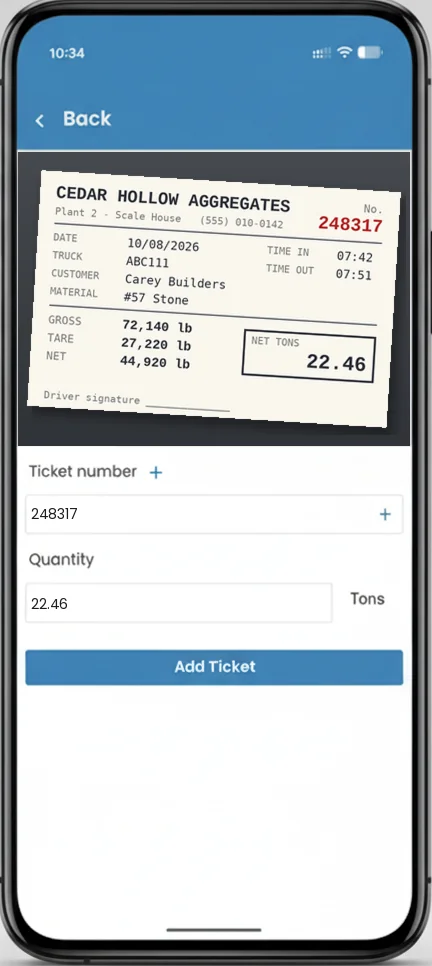
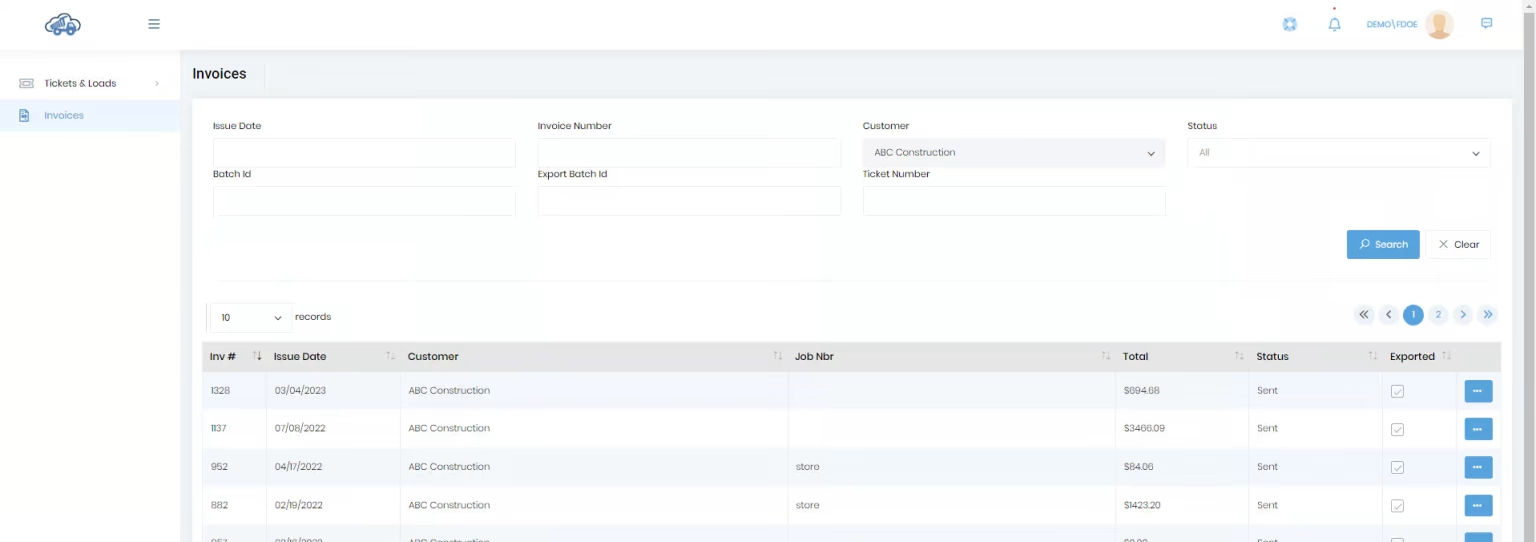
Each invoice you send is in the portal too, ready for the customer to view and download.
InvoicingThe customer reconciles
Customers download ticket and billing data to match your loads against tickets from quarries and other vendors.
Tickets
Every Load Ticket, Where the Customer Can Find It
A contractor checking a week of loads shouldn't have to call your office for copies. They can look the tickets up themselves.
- Search by ticket date, ticket number, job number or order number
- Narrow by product, truck, load site or delivery site
- Download ticket data for their own records
- Current ticket information without waiting on your office
Captured in the field
Proof of Delivery That Starts at the Truck
Electronic proof of delivery is only as good as the ticket behind it. Bulk Haul Software checks the ticket as the driver captures it.
- Drivers photograph the ticket in the app
- AI reads the ticket number and quantity from the photo
- Matching tickets are marked Verified automatically
- Receivers can sign on the driver's phone at delivery
Invoices
Invoices Customers Can Pull Up Themselves
Every resent invoice is time your office could spend on something else. In the portal, customers have them already.
- View and download invoices any time
- Look invoices up by issue date, invoice number or ticket number
- Invoices and the tickets behind them in one login
A Customer Portal for Every Kind of Bulk Hauling
Contractors, farms, mills, municipalities and every other bulk hauling customer get the same self-service access to their tickets and invoices.
Frequently Asked Questions
Their own tickets, their invoices and the status of their jobs. They can search, view and download them whenever they need to, without calling your office.
Your drivers. They photograph each ticket in the driver app, AI reads the ticket number and quantity, and matching tickets are marked Verified. Drivers can also collect the receiver's signature. Paper tickets can still be keyed in at the office.
Turn on portal access for the customer and enter their contact's email address. Bulk Haul Software emails them the login instructions.
Yes. Each customer logs in securely and sees only their own tickets and invoices.
Yes. Customers can download their tickets and invoices, and CSV files of ticket and billing data help them reconcile against their other vendors, such as quarries.
Bulk Haul Software is the next generation of Dump Truck Dispatcher and has all of its customer portal functionality and more. Reading the ticket number and quantity from the driver's photo is one of the new features.