Log hauling
Log Hauling Software From the Landing to the Mill
Dispatch log trucks to the right landing, capture every ticket from the driver app, and invoice a week of timber hauling in one batch. Bulk Haul Software keeps your trucks, your subcontractors and your mills on one schedule.

Scheduling and dispatch
Log Truck Dispatch for Every Landing and Mill
Logging companies run trucks out of several landings to several mills at once. When jobs live in spreadsheets and phone calls, drivers miss changes or show up at the wrong site. Putting every landing, mill and truck on one schedule fixes that.
- Each order names the landing, the mill and how many trucks it needs
- One click puts every load on drivers' phones
- Pull several trucks off a landing at once when it shuts down
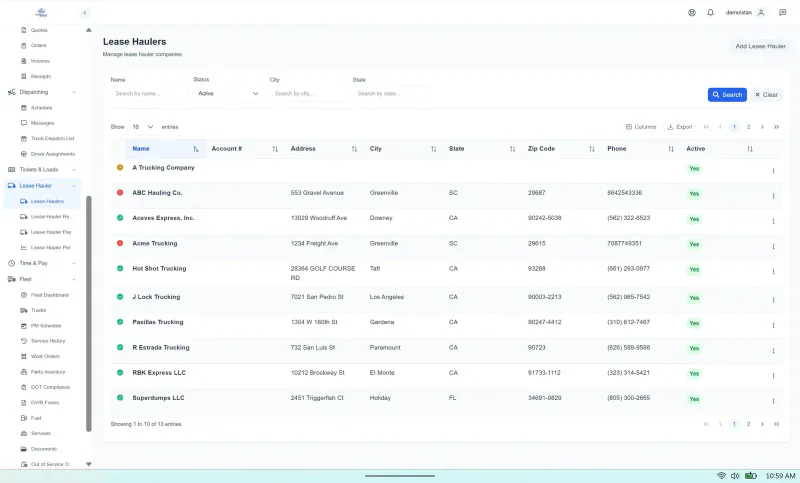
- Contract haulers scheduled right beside company trucks

Tickets
Digital Tickets for Every Load of Timber
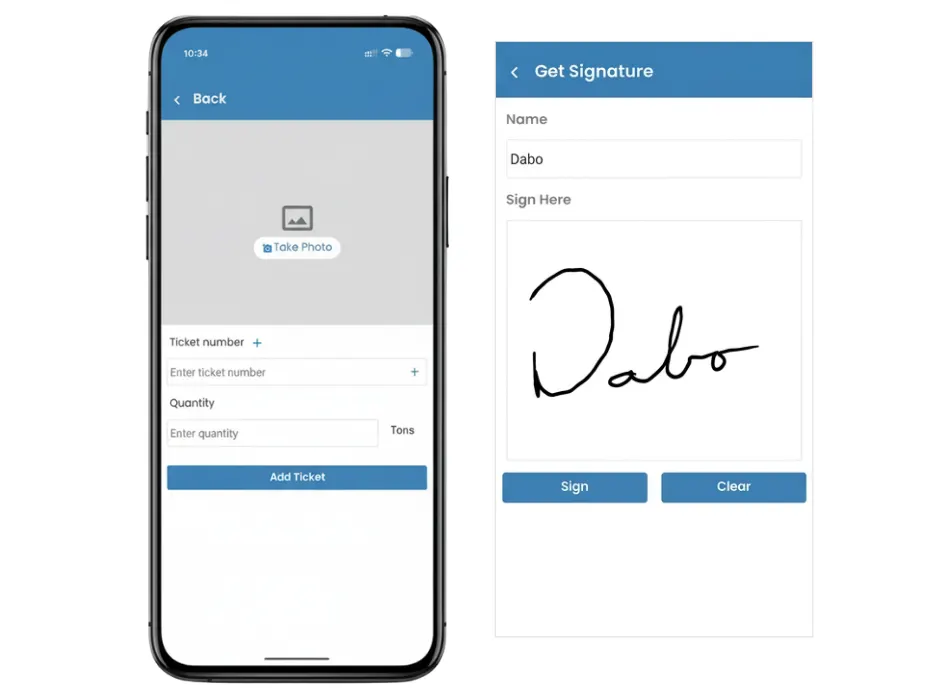
Paper tickets get wet, torn or lost between the woods and the mill, and every lost ticket is a load you can't bill. Drivers enter each ticket on their phone at the mill, so the office has it hours before a paper copy would arrive.
- A photo of each ticket, with AI reading the number and quantity
- Verified status applied when a ticket matches
- Missing or repeated timber tickets flagged before invoicing
- Works on forest roads with no cell signal
Invoicing
Invoice a Week of Timber Hauling at Once
A week of log hauling can mean hundreds of tickets. Rather than matching them up by hand, you invoice every customer from the verified tickets at once.
- All timber customers invoiced together
- Fuel surcharge per line item or as one figure
- Customers open their invoices and load tickets in the portal
- QuickBooks Desktop and Online export on Pro

Maintenance
Keep Log Trucks Ready for Forest Roads
Forest roads and heavy loads are hard on trucks and trailers, and a breakdown at the landing stops the job. Because maintenance and dispatch share one system, a truck down at the landing shows on the schedule before anyone assigns it.
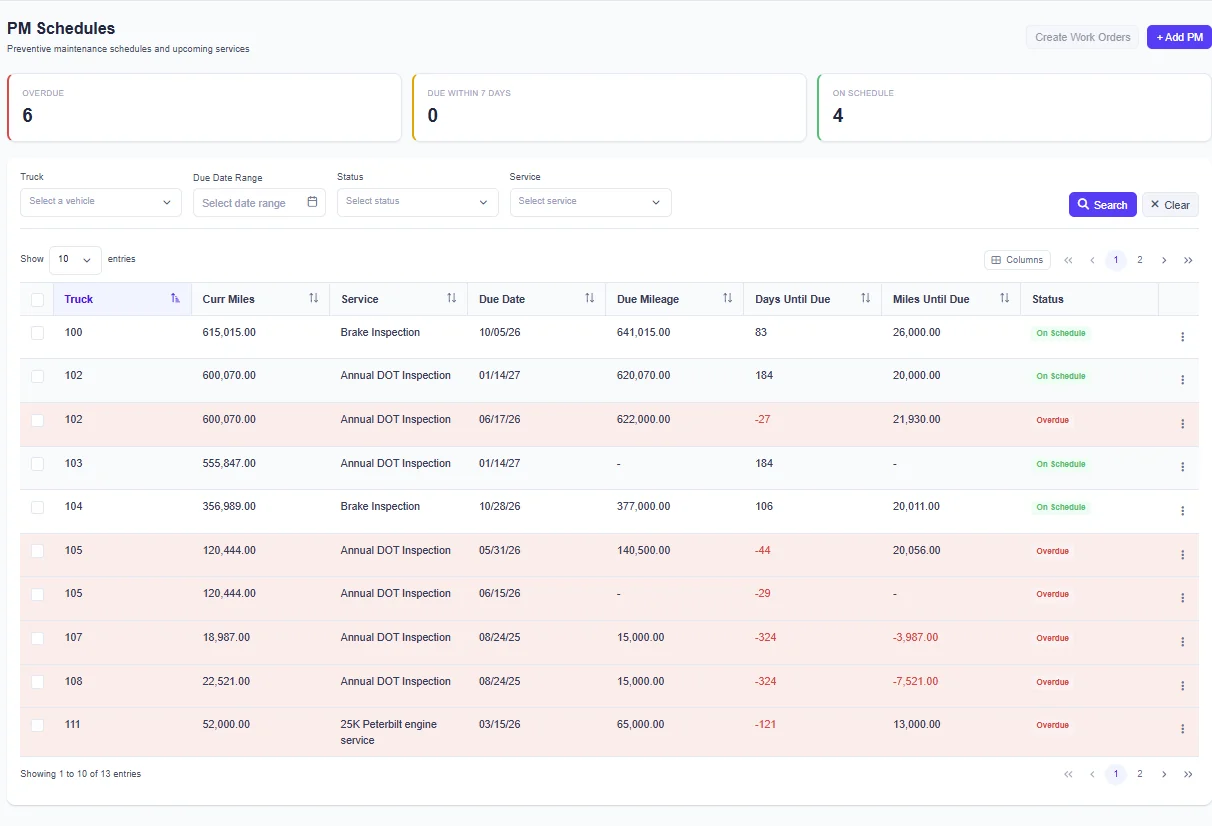
- PM schedules and work orders for every log truck
- DVIR write-ups from the woods go to maintenance
- Serious defects put the truck out of service
- Dispatch warns about a driver or truck that isn't DOT compliant
Software for Every Kind of Bulk Hauling
Log hauling shares its dispatch, ticket and billing tools with the other industries below.
Frequently Asked Questions
Yes. Log hauling companies plan which trucks run from which landing to which mill, send drivers their loads by phone, collect tickets from the woods, invoice customers and keep their log trucks maintained.
Each order holds its landing and its mill, and all your log trucks sit on one color-coded schedule. The dispatcher assigns trucks and sends the loads with one click. Drivers see them in the driver app or by text message (an add-on on the Basic and Standard plans), so nobody calls around to say which landing to go to.
Yes. The driver photographs the ticket and AI reads its number and quantity. The app keeps working with no cell signal, which is common on forest roads.
Shift a group of trucks to another landing on the schedule and send the new dispatches in one click. The dispatcher also gets an alert when a driver hasn't acknowledged a load, clocks in late, or is on two jobs at once.
Tickets drivers bring in from the woods are verified and billed to all your customers in one batch, with fuel surcharge as separate lines or one figure. Customers look up invoices and tickets in their portal, and on Pro the invoices export to QuickBooks Desktop, QuickBooks Online or another accounting program.
Yes. Contract log trucks go on your schedule next to company trucks. Each subcontractor updates its own trucks and drivers in a portal, and every ticket is tied to the hauler who ran the load.
Bulk Haul Software is built for mid-sized and larger fleets. If you dispatch fewer than about 10 trucks and aren't growing quickly, it's probably more than you need.