Dump truck brokers
Dump Truck Brokerage Software Built Around Your Haulers
Book trucks from your subcontractors, send them out by text or the driver app, and bill your customer and pay each hauler from the same tickets. Bulk Haul Software is dump truck brokerage software for companies whose work runs on someone else's trucks.
How a Brokered Load Moves Through Bulk Haul Software
From your customer's quote to your hauler's pay statement, one ticket carries the load the whole way.
Price the job for your customer
Build the quote with your customer's material and freight rates, then turn it into an order when they say yes.
QuotesAsk your haulers for trucks
Send the truck request to your subcontractors. Each one answers in their own portal and commits the trucks they can spare that day.
Catch missing paperwork first
Bulk Haul Software checks each hauler's insurance before the truck is assigned and can warn you, or block the dispatch, when a policy is missing or expired.
Send the loads out
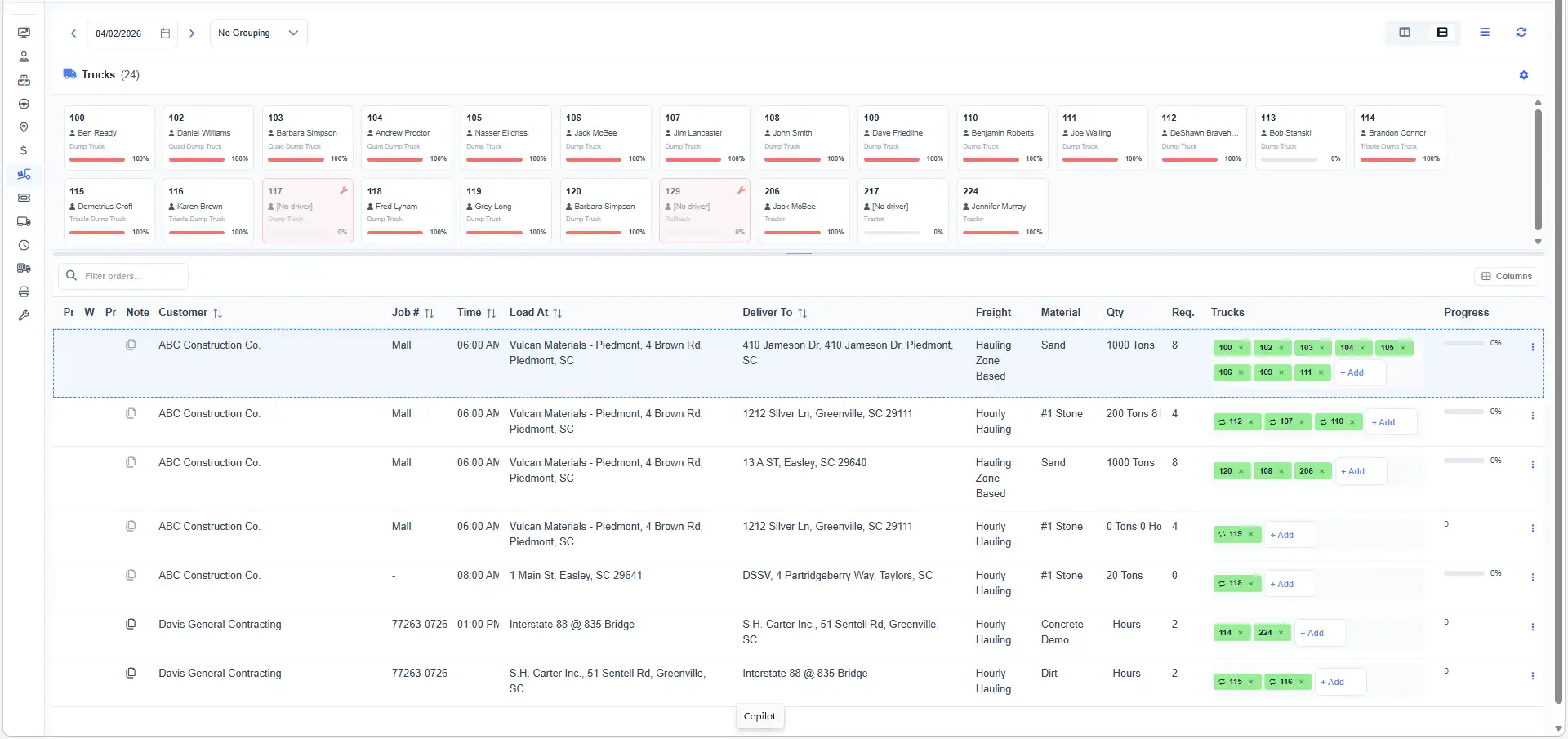
Hauler trucks sit on the schedule with any trucks you own. Their drivers get each dispatch as a text message or in the driver app.
DispatchingGet the ticket from the truck
Drivers photograph the ticket in the app and AI pulls the ticket number and quantity off the image, so it doesn't wait for a paper pickup.
Driver appBill one side, pay the other
That ticket goes on your customer's invoice at your rate and on the hauler's pay statement at the rate you agreed with them.
Invoicing
Margin
Two Rates on Every Load, From One Ticket
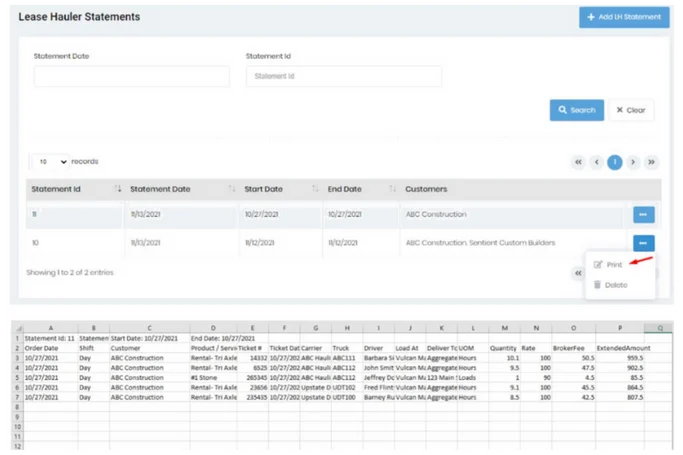
A broker makes money on the gap between what the customer pays and what the hauler gets. When the invoice and the pay statement come from different spreadsheets, that gap is hard to trust. Here they come from the same ticket.
- Customer billed at your rate, hauler paid at the rate you agreed
- Pay by the load, the ton or the hour
- A statement for each hauler, with no retyping
- Disputes settled by the ticket photo
Customer billing
Invoice Customers the Day the Work Is Done
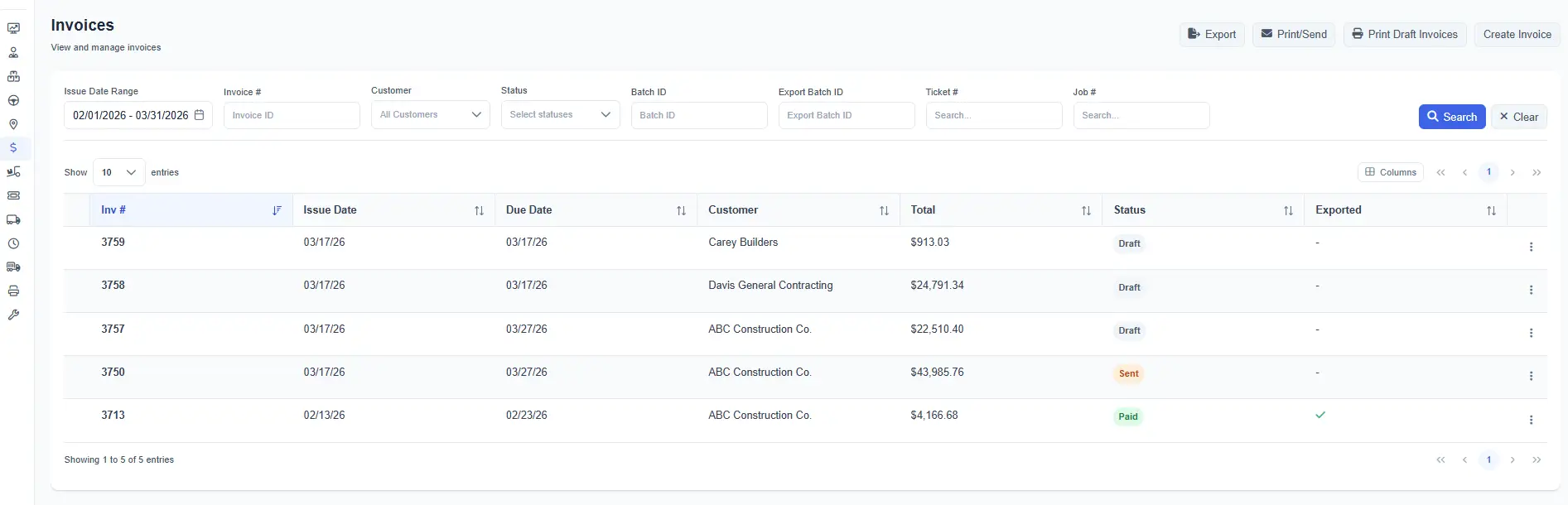
Waiting a week for haulers to drop off paper tickets means waiting a week to bill. Tickets come in from the truck, get checked, and go onto invoices in a batch.
- Invoices built from checked tickets in one run
- Fuel surcharge figured for you
- Customers pull their own tickets and invoices from a portal
- Export to QuickBooks Desktop, QuickBooks Online and others on Pro
Brokerage reporting
See Which Haulers and Customers Carry Your Business
When most of your loads run on other people's trucks, you need to know who hauls the most for you and which customers you depend on. The reports come from the tickets you already have.
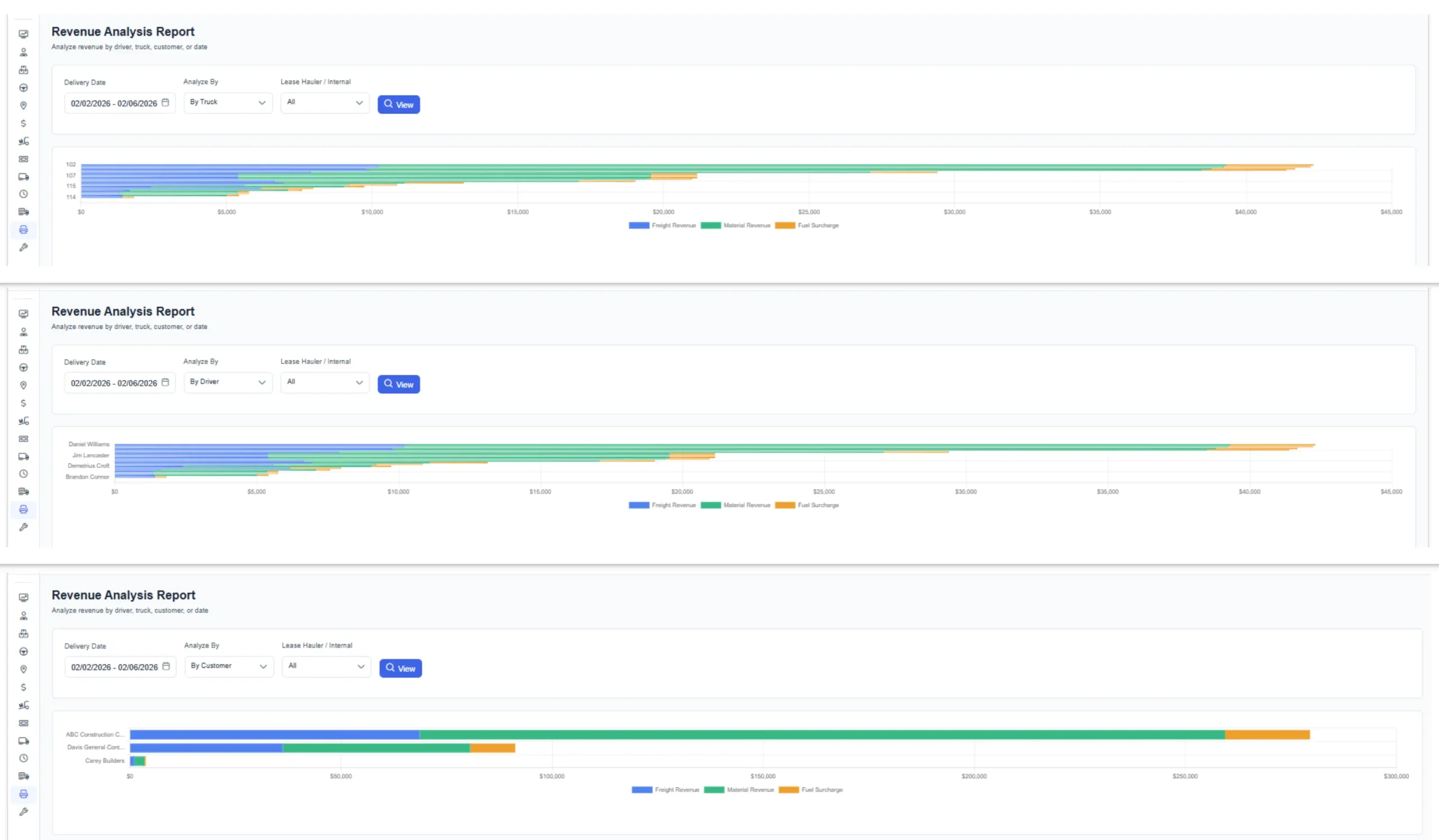
- Revenue by truck, driver, customer and date
- Hauler trucks and your own trucks, apart or together
- Freight, material and fuel surcharge shown separately
- Daily, weekly or monthly views for any date range
Brokering Loads for Every Kind of Bulk Hauling
Brokers fill aggregate, construction, agriculture and public works jobs with subcontracted trucks, and the same tools handle each one.
Frequently Asked Questions
It's software for companies that book hauling work from customers and fill it with trucks from independent haulers. It covers getting trucks from subcontractors, dispatching them, collecting the tickets, invoicing the customer and paying each hauler. Bulk Haul Software handles all of those steps in one program.
Freight broker software is built around long-haul loads, lanes and carriers found on load boards. Dump truck brokers work locally, the same haulers come back day after day, and loads are priced by the ton, the load or the hour. Bulk Haul Software is built for that local, ticket-based work.
No. Brokers who run entirely on subcontracted trucks use it, and so do hauling companies that mix their own trucks with outside haulers. Hauler trucks go on the same schedule either way.
Yes. Their drivers can get each dispatch as a text message. Drivers who do use the app also get directions to the job, ticket photo capture and customer signatures.
Record each hauler's insurance policies with their expiration dates and coverage limits. Bulk Haul Software alerts you when a policy is missing or expired, and can warn you or block the dispatch until it's fixed.
Subcontractor management is included in the Standard and Pro plans. Subcontractor pay statements and invoice export to QuickBooks and other accounting programs are part of Pro.
No. Bulk Haul Software sells software, not hauling. Your customers and your haulers stay yours.