Driver Activity Report
This report shows the clock-in and out times for the driver, the jobs the driver worked, and includes a picture of the tickets if requested.

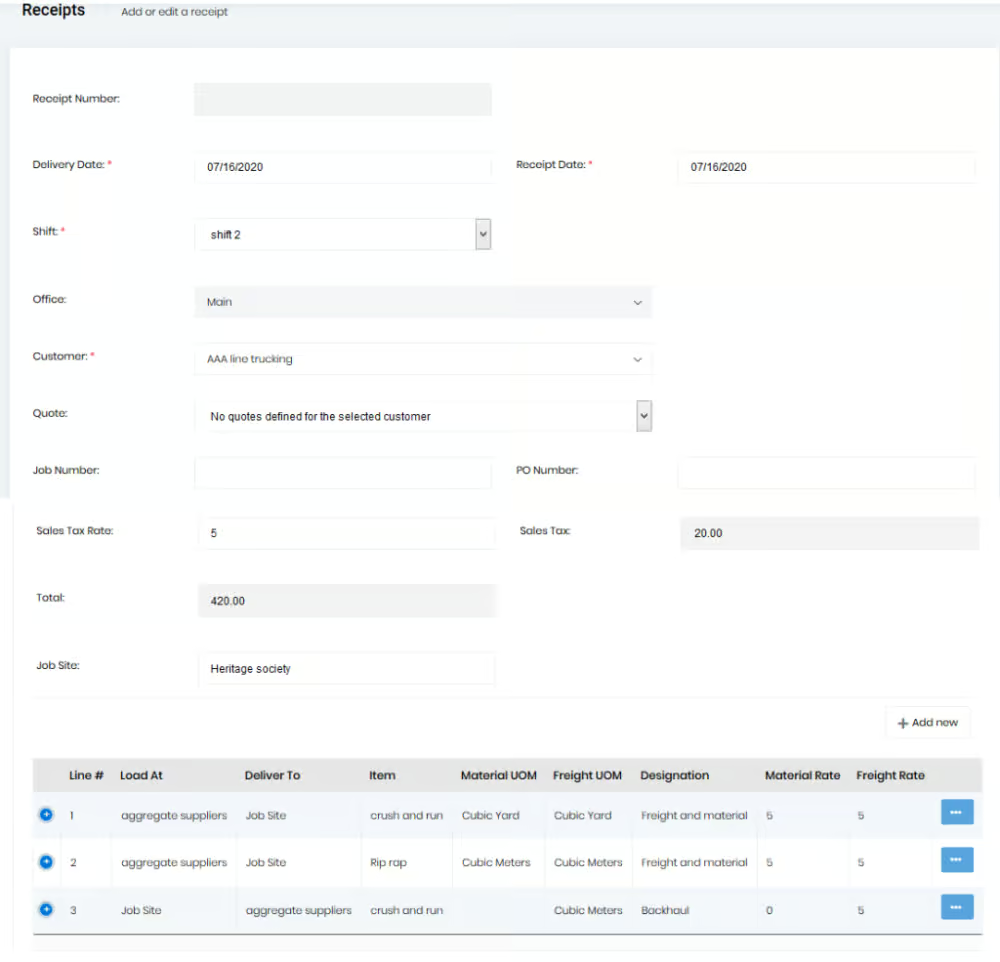
To view the receipts that have been added to the orders, you will have to use the “Receipts” menu present under the “Reports” menu shown on the left side of the screen.
You can search for orders by selecting the date or the customer. The receipts can be exported to excel as well.