LuckStone Settings
The “Luck Stone” tab will be shown only if” import Luck Stone earnings” feature is enabled on the tenant. For importing Luck Stone earnings, you should have the required permission…

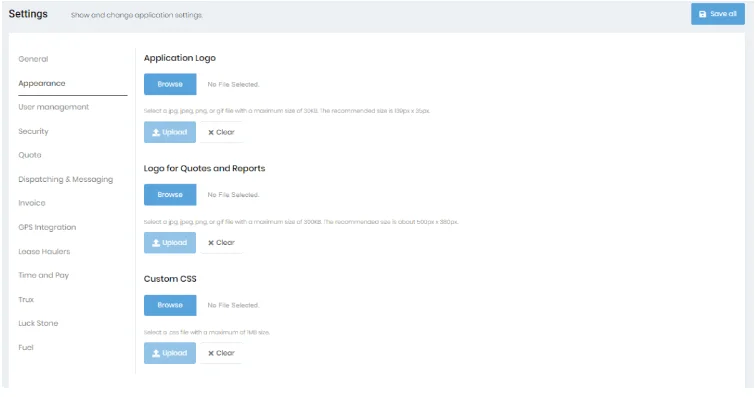
Clicking on the “Appearance” tab allows you to upload your logo and custom CSS files. Most will not typically use CSS, so if you don’t know what this is, you can ignore it.
You can also upload the logo which will be printed on quotes and reports. Note the dimensions specified. You should try to match those dimensions or the images may not look good when printed.