Driver Activity Report
This report shows the clock-in and out times for the driver, the jobs the driver worked, and includes a picture of the tickets if requested.

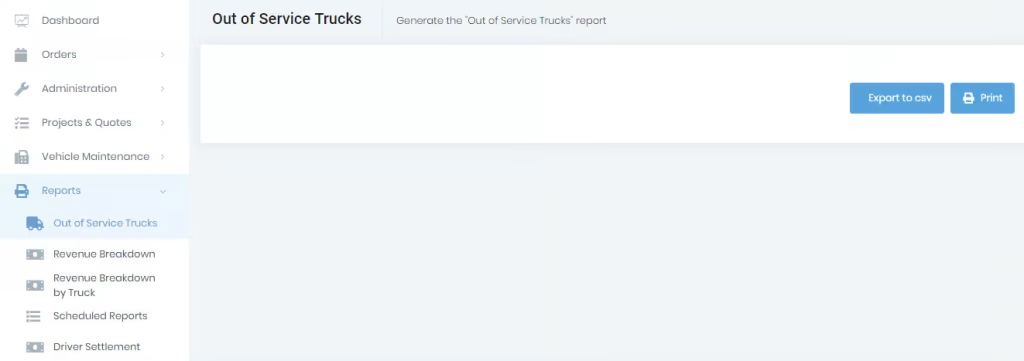
Click the “out of service trucks” menu under the “Reports” menu shown on the left side of the screen. This function allows you to generate out-of-service reports for all the offices in pdf and CSV format. Clicking on the print will generate the report in pdf format and click on “Export to CSV” will generate the report in CSV format.